

If you’re a data center operator, you’ve probably asked yourself the big question: Can I retrofit my existing air cooled data center to use liquid cooling and become a functional liquid cooled data center? The short answer is yes—but making it work takes careful planning, checking hardware compatibility, and aligning the retrofit with your business goals.
In this guide, I’ll walk you through everything you need to know about switching from air to liquid cooling, from feasibility checks to step-by-step methods and cost considerations.
Is Retrofitting an Air Cooled Data Center to Liquid Cooling Feasible?
The first thing every operator wants to know is whether retrofitting is even possible—and the answer is almost always yes, with a few caveats. More than 60% of data centers around the world still use traditional air cooling, and most of these can be retrofitted to become a liquid cooled data center with the right approach. Feasibility really comes down to three core factors, which I’ll break down in detail below:
1. Existing Data Center Infrastructure & Layout
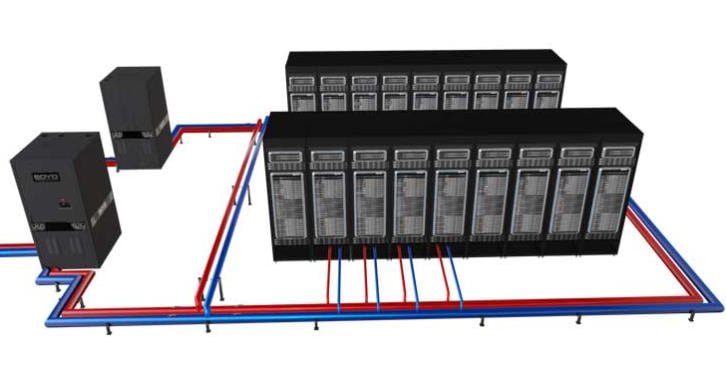
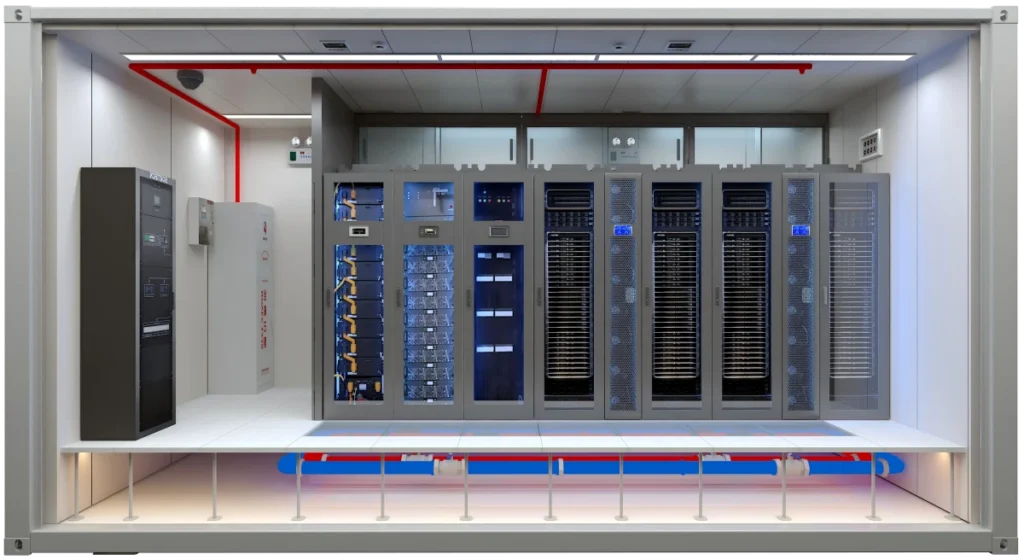
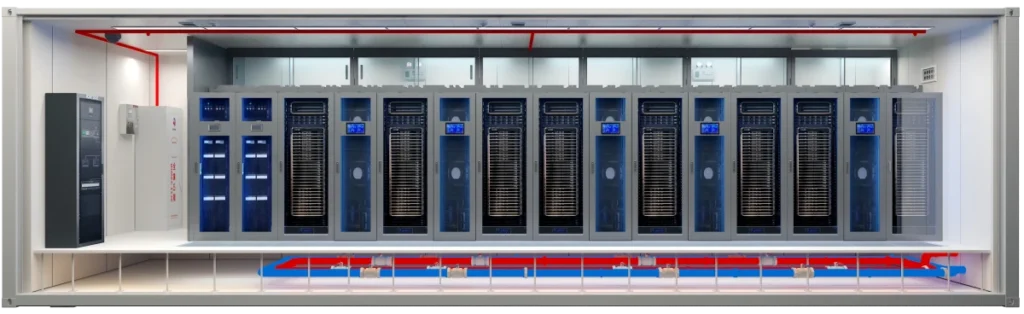
Your facility’s physical layout and structural capacity are make-or-break when transitioning to liquid cooling. Liquid cooling systems—whether cold plate, immersion, or hybrid—need space for coolant distribution units (CDUs), piping, and heat exchangers, all essential components of a functional system. Here’s what you need to keep in mind:
Liquid cooling components—especially immersion tanks and CDUs—are heavier than traditional air cooling gear. Most modern data centers have raised floors designed to handle extra weight, but older facilities might need structural upgrades to meet GB 50370 building load standards, a key requirement for safe operation.
You will need to route coolant piping to each rack; this may involve modifying existing cable trays or cutting new openings in the raised flooring—all of which are critical steps in upgrading to a liquid cooled data center.Open-loop systems may also require extra space for water treatment equipment, while closed-loop systems offer more flexibility in routing for your facility.
Heat rejection units often need to be mounted on roofs or exterior walls, so you’ll need to confirm structural compatibility and make sure you’re following local building codes—critical steps to ensure safe operation.
2. Hardware Compatibility
Industry experts unanimously agree that when retrofitting existing facilities into a liquid cooled data center, hardware compatibility is often the greatest obstacle encountered.Traditional air cooled servers are built with heat sinks and fans optimized for airflow, so they may need modifications to work with liquid cooling systems. Here’s what to check:
Roughly 80% of in-service air-cooled servers need their heat sinks replaced with liquid-compatible cold plates to support direct liquid cooling, a common cooling method. Some newer servers are “liquid-ready,” though, so you might not need a full hardware replacement for those when building your facility.
Right now, there are no universal standards for liquid cooling equipment interfaces—things like quick-connect fittings and pipe sizes. This can cause compatibility issues if you mix components from different vendors, which can delay your retrofit. Working with a single vendor or using standardized parts can help avoid this problem.
Liquid cooling adds pumps, sensors, and valves, all of which need to be compatible with your existing IT infrastructure’s grounding and electromagnetic systems. Make sure you’re following GB 50057 and GB 50231 standards here to ensure reliable operation.
3. Budget & ROI Expectations
Retrofitting to a liquid cooled data center isn’t cheap, but it pays off in the long run with lower energy costs and higher density—key benefits of this upgrade. A typical retrofit for a medium-sized data center costs 30-40% of the original facility investment, but payback periods usually range from 2-5 years—depending on energy prices and how dense your workloads are. You’ll need to balance upfront costs (hardware, installation, labor) against long-term operational savings from lower PUE and less maintenance.
Common Retrofit Methods for Air-to-Liquid Cooling
There is no one-size-fits-all solution for converting an air cooled data center into a liquid cooled data center—the specific choice depends on your workload density, budget, and existing infrastructure. Below are the three most common methods, ranked from lowest to highest complexity, all designed to help you build an effective system:
1. Hybrid Liquid-Air Cooling
Hybrid systems combine liquid cooling for high-density racks with your existing air cooling for lower-density areas, making them perfect for gradual retrofits. This approach minimizes risk and downtime because you can target only the racks that are struggling with heat—like AI or GPU clusters—while easing into the full cooling setup.
Install cold plates or rear door heat exchangers on your high-density racks, while keeping your CRAC/CRAH units for the rest of the facility. The liquid system handles most of the heat from critical servers, while air cooling keeps ambient temperatures in check—creating a balanced transition. This method requires minimal structural changes and can be rolled out in phases, making it ideal for operators new to liquid cooling technology.
Best for: Data centers with mixed workload densities, limited upfront budget, or legacy hardware that can’t be fully replaced—all looking to transition without full-scale disruption.
2. Cold Plate Liquid Cooling
Cold plate liquid cooling is the most popular retrofit option because it works with most existing server racks and delivers big PUE improvements— a top priority for any modern data center. It involves mounting cold plates directly to server CPUs and GPUs, which transfer heat to a liquid coolant circulating through a closed loop, the backbone of many cooling systems.
Here’s a step-by-step breakdown of how to retrofit with cold plate systems:
- Assess your rack density and heat load to figure out how many cold plates you need.
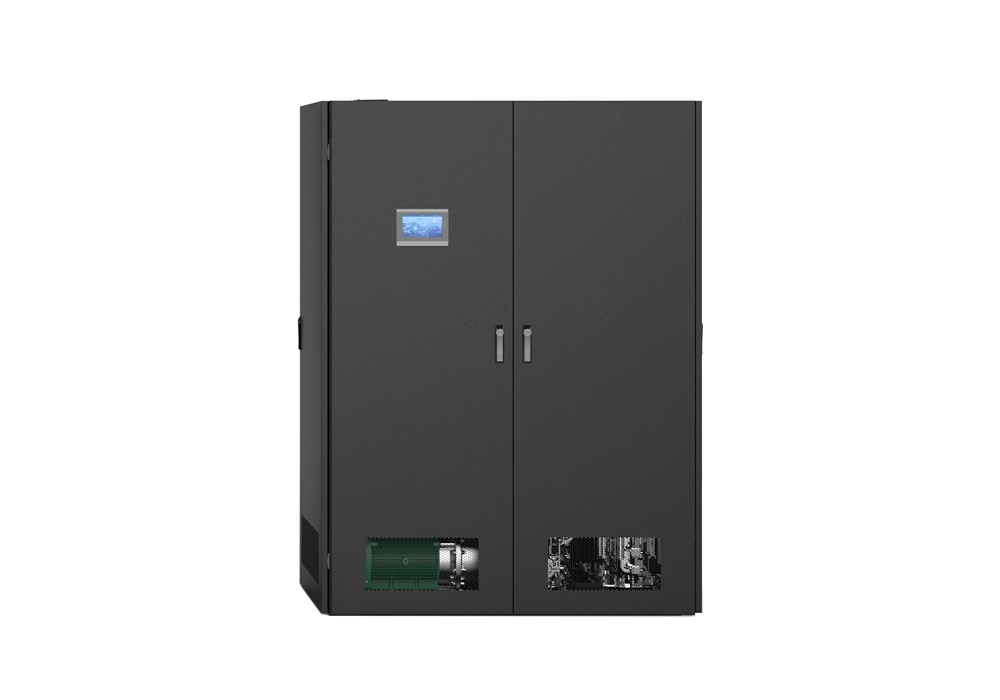
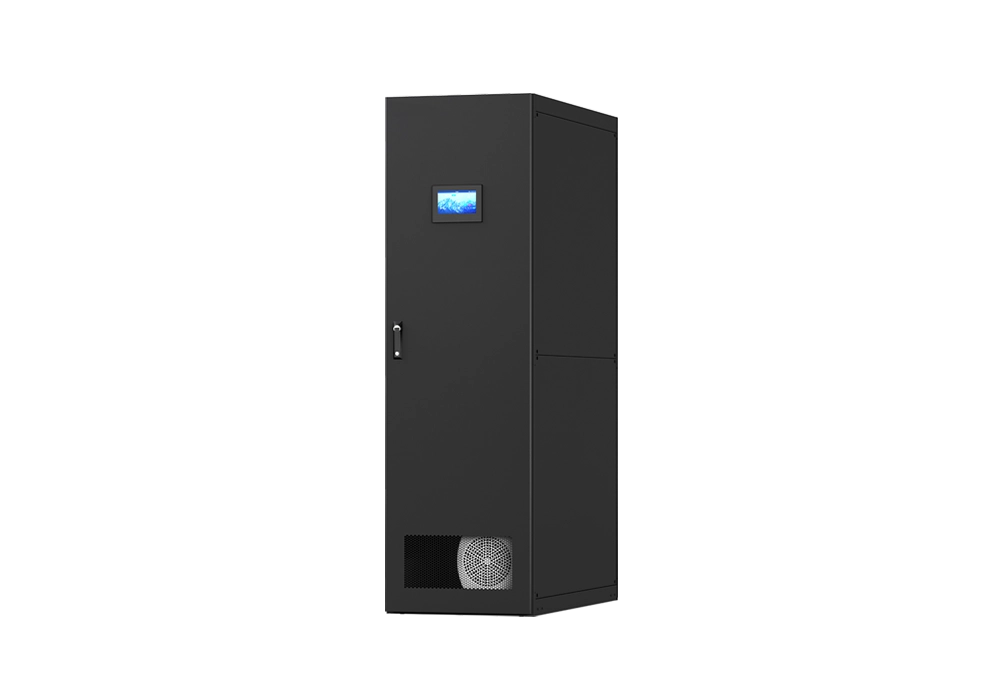
- Install a CDU (Coolant Distribution Unit) to regulate coolant temperature and flow—critical for maintaining a stable system.
- Run piping from the CDU to each rack—usually under the raised floor—to connect all components.
- Replace server heat sinks with cold plates and connect them to the piping system, a key step in the conversion process.
- Add leak detection sensors and insulation to prevent condensation—this is critical for complying with GB 50174-2017 standards and ensuring safe operation.
Best for: High-density racks (15-40kW per rack), data centers looking to get their PUE down to 1.2-1.3, and operators who want to keep their existing servers while building an efficient system.
3. Immersion Liquid Cooling
Immersion cooling—where servers are fully submerged in dielectric fluid—is the most effective method for extreme heat loads (40kW+ per rack), but it’s also the most complex to retrofit. It requires major changes to your rack design and facility layout, making it a more intensive transition.
Key retrofit requirements for immersion cooling:
- Replace standard racks with waterproof immersion tanks that fit your server dimensions— a core component of an immersion-based system.
- Install fluid circulation and heat exchange systems—like heat exchangers to transfer heat from the dielectric fluid to water—essential for a functional setup.
- Modify server hardware to remove fans and ensure compatibility with dielectric fluids (most air-cooled servers need custom tweaks here).
- Add fire safety systems—dielectric fluids are non-flammable, but you still need to comply with GB 50016 building fire codes to keep your facility safe.
Best for: Hyperscale data centers, AI/HPC facilities, or operators planning a full infrastructure upgrade alongside their cooling retrofit.
Key Considerations Before You Start Retrofitting
Retrofitting to a liquid cooled data center takes careful planning to avoid downtime, cost overruns, and compatibility issues. Here are the most critical things to address before you kick off your project:
1. Downtime Management
Most retrofits can be done without shutting down your entire facility—if you plan properly. Use a phased approach: start with non-critical racks, test the liquid cooling system, and then move on to critical workloads. Hybrid systems are especially helpful here because they let you keep air cooling running while you retrofit racks one by one, ensuring minimal disruption to your operations.
2. Coolant Selection
Choose a coolant that matches your retrofit method and safety requirements:
- Water-based coolants: Cost-effective for cold plate systems, but you’ll need corrosion inhibitors and leak detection to meet GB/T 29044 water quality standards.
- Dielectric fluids: Non-conductive, making them ideal for immersion cooling, but they’re more expensive and need periodic replacement.
3. Compliance & Safety
The conversion into a liquid cooled data center must follow local building codes and industry standards, including GB 50174-2017, GB 50016, and ASHRAE guidelines for liquid cooling systems. Key safety measures include leak detection systems, proper insulation to prevent condensation, and fire suppression systems that work with your coolant type—all critical for a safe, compliant facility.
4. Maintenance & Staff Training
Liquid cooling systems require different maintenance than air cooling—your team will need training to monitor coolant levels, check for leaks, and maintain CDUs and heat exchangers. Industry data shows that untrained staff are a top cause of retrofit failures, so investing in training is well worth it to keep your system running smoothly.
Potential Challenges & How to Mitigate Them
Retrofitting to liquid cooled data center isn’t without its hurdles, but most can be avoided with proper planning. Here are the most common issues and how to fix them for a smooth transition:
1. Compatibility Issues
Challenge: Mismatched interfaces between liquid cooling components and existing servers, which can delay your retrofit. Solution: Do a full hardware audit before you start, work with vendors that offer compatibility testing, and prioritize standardized components (as recommended by emerging industry guidelines) to ensure components work together seamlessly.
2. Leak Risks
Challenge: Liquid leaks can damage IT equipment and cause downtime. Solution: Install multi-level leak detection systems (server-level, rack-level, and facility-level), use high-quality piping and fittings, and train your staff to respond quickly if a leak occurs—critical for protecting your facility.
3. Cost Overruns
Challenge: Unexpected structural upgrades or hardware replacements can drive up costs. Solution: Do a detailed site assessment upfront, set aside a contingency fund (10-15% of total project cost), and use a phased approach to spread costs out over time—helping you stay on budget.
Conclusion: Should You Retrofit Your Air Cooled Data Center?
Retrofitting an existing air cooled data center to a liquid cooled data center is not only feasible—it’s often a smart investment, especially if you’re dealing with rising heat loads, high energy costs, or plans to scale workloads like AI or HPC. The key is to choose the right retrofit method (hybrid, cold plate, or immersion) based on your density needs, budget, and existing infrastructure to build a system that meets your business goals.
Next Steps for Your Retrofit Project:
- Schedule a free feasibility assessment with a liquid cooling vendor to see if your facility is a good fit for conversion.
- Audit your existing hardware to identify compatibility issues and any replacements you’ll need.
- Create a phased retrofit plan with clear timelines, a budget, and strategies to minimize downtime.
- Train your team on liquid cooling maintenance and safety protocols to keep your system running smoothly.