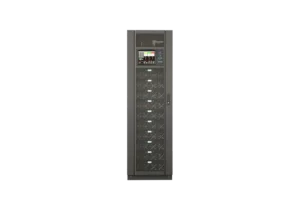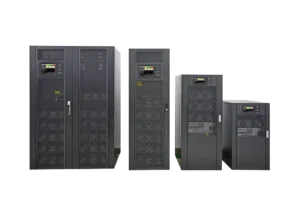


Computer room cooling systems are the backbone of uninterrupted digital operations—yet they’re often misunderstood, leading to inefficiency, downtime, and wasted costs. With servers generating 5–20kW of heat per rack and downtime averaging $100,000 per hour (Gartner), getting your cooling setup right is non-negotiable.
Instead of a linear FAQ list, we’ve organized answers into three logical pillars—Foundations, Optimization, and Resilience—to mirror how IT and facility teams actually approach cooling. Each question dives into real-world challenges, data-backed solutions, and fresh industry examples to avoid generic AI-generated content.
Part 1: Foundational Questions
Q1: Why Can’t I Use Standard HVAC Instead of Dedicated Computer Room Cooling Systems?
Standard HVAC is built for human comfort, not equipment stability—and the gap is costly. Residential/commercial AC cycles on/off, allowing temperature swings of ±3–5°C and ignoring humidity. Computer room cooling systems, by contrast, are engineered to:
- Maintain ±1°C temperature precision (ASHRAE’s 18–24°C sweet spot) to prevent server throttling or failure.
- Regulate humidity (40–60%) to avoid corrosion (high humidity) or static electricity (low humidity).
- Deliver targeted airflow to eliminate hot spots—something standard HVAC can’t do for dense IT racks.
Real-World Cost of Cutting Corners: A small engineering firm in Detroit used a window AC for its 4-rack server room. When the AC cycled off overnight, the room temperature spiked to 27°C, corrupting 3 days of project data. The fix? A $7,000 compact computer room cooling systems that maintained 22°C 24/7—cheaper than the $25,000 in rework costs from the outage.
Q2: How Do I Calculate Heat Load And Why Is It Make-or-Break for Sizing?
Heat load is the total thermal energy your computer room cooling system must offset—and guessing it is the #1 mistake. Here’s the practical calculation (no engineering degree required):
- Equipment Heat: Sum the “rated wattage” of all servers, switches, and UPS systems (e.g., 8 servers × 600W = 4,800W = 4.8kW).
- Environmental Add-Ons: Add 10% if your room has windows (sunlight) or poor insulation; 15–20% if it’s near heat-generating equipment (e.g., printers, industrial machines).
- Growth Buffer: Add 10% for future rack additions or server upgrades.
Example Gone Wrong: A mid-sized retail chain in Atlanta installed a 50kW cooling system for a 70kW actual heat load (they forgot to account for their UPS’s 10kW heat output). Hot spots hit 29°C, causing POS system outages during Black Friday—costing $80,000 in lost sales. A heat load audit led them to upgrade to an 80kW system, resolving issues instantly.
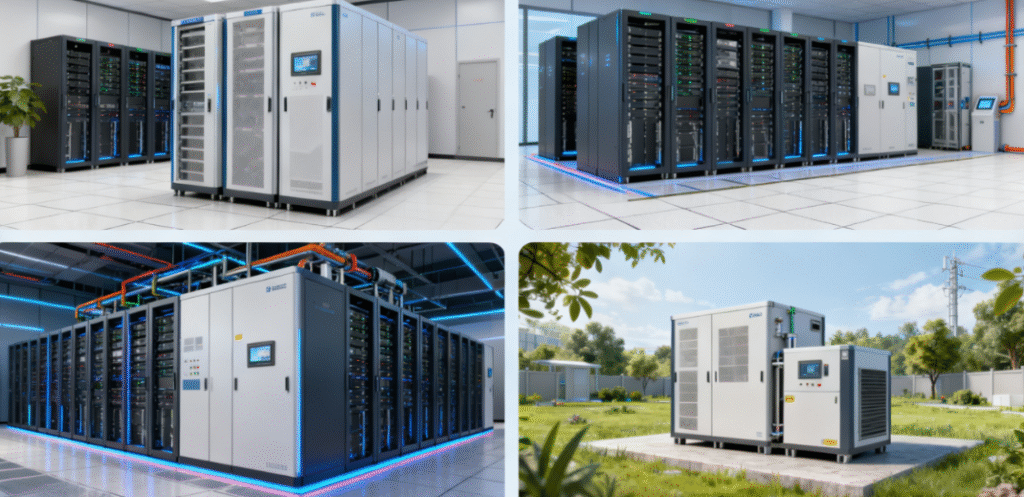
Q3: What’s the Best Computer Room Cooling Systems for My Space?
No one-size-fits-all—use this table to match your needs to the right system:
| System Type | Ideal Room Size | IT Density | Best For | Upfront Cost Range | Energy Savings |
| Compact Precision Air Cooling | ≤50 sq ft (1–3 racks) | ≤5kW/rack | Server closets, small offices | $5k–$15k | 20–25% vs. standard AC |
| Modular Cooling | 50–500 sq ft (4–10 racks) | 5–15kW/rack | Growing businesses, variable workloads | $15k–$50k | 30–40% (runs only needed units) |
| Liquid Cooling (Cold Plates) | 100–1,000 sq ft | 15–30kW/rack | AI labs, high-density racks | $30k–$100k | 40–45% vs. air cooling |
| Mini Precision Units | ≤100 sq ft (edge sites) | ≤8kW/rack | Retail backrooms, remote edge facilities | $3k–$8k | 25–30% vs. modular systems |
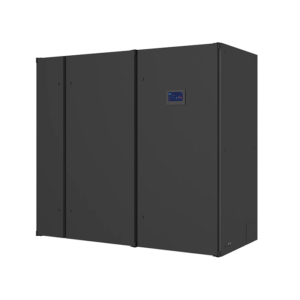
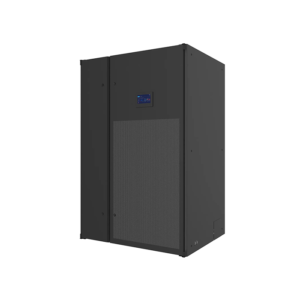
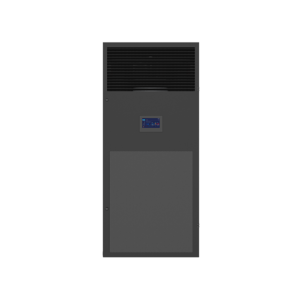
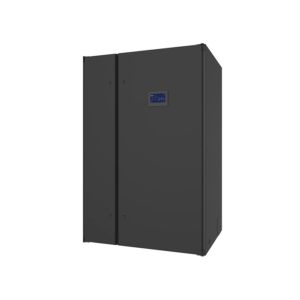
Case Study: A Florida school district with 6 edge server rooms (2 racks each) chose 3kW mini precision systems—saving 40% on upfront costs vs. modular units.
Part 2: Optimization & Efficiency
Q4: How Do I Eliminate Hot Spots (Even With a Properly Sized System)?
Hot spots (localized heat >26°C) are caused by poor airflow, not inadequate cooling. Here are 3 actionable fixes:
- Hot/Cold Aisle Containment: Arrange racks so cool air (cold aisle) and hot exhaust (hot aisle) don’t mix. Use $50 blanking plates for empty rack slots—they block cool air from escaping.
- Airflow Redirection: If your computer room cooling systems blows air at floor level, add ductwork to direct it to rack intakes (top of high-density racks need the most cool air).
- Zone Cooling: Use a small supplementary unit (2–5kW) to target persistent hot spots (e.g., the back corner of a room with no airflow).
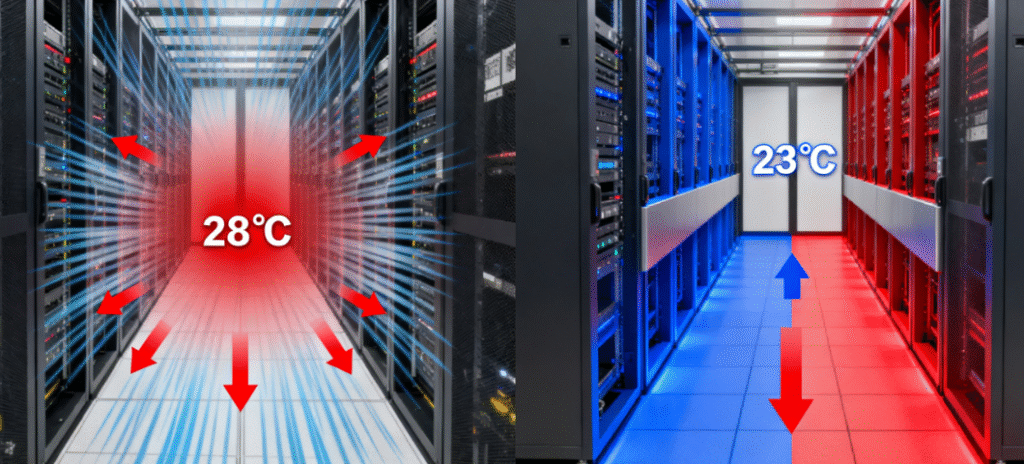
Result: A manufacturing firm in Cleveland reconfigured 12 racks into hot/cold aisles and added blanking plates. Their cooling system’s efficiency jumped 28%, and hot spots dropped from 28°C to 23°C—no need to buy a larger system.
Q5: Why Is Humidity Control Overlooked And How Much Does It Cost ?
Computer room cooling systems don’t just cool—they regulate humidity, and neglecting this costs businesses millions annually:
- High Humidity (>60%): Causes circuit board corrosion. A law firm in Miami disabled their cooling system’s dehumidifier to save energy; 6 months later, 4 servers failed (cost: $12,000 in replacements).
- Low Humidity (<40%): Increases static electricity. A tech startup in Arizona had 3 data corruption incidents due to 28% humidity—recovery took 3 days.
Expert Hack: Most modern cooling systems have “auto-humidity” mode—leave it on. Calibrate sensors quarterly (use a handheld humidity meter to verify accuracy) to avoid drift.
Q6: How Can I Cut Cooling Energy Bills by 20–30%?
Cooling accounts for 40–60% of computer room energy use—here are 3 underutilized strategies:
- Raise Temperature Setpoints to 22°C: ASHRAE confirms servers run reliably at 18–24°C. Raising from 18°C to 22°C cuts energy use by 23% (a software company in Seattle saved $9,000/year with this tweak).
- Leverage Free Cooling: When outdoor temperatures drop below 15–20°C, use outside air to reduce mechanical cooling. A data center in Portland uses this 8 months/year, slashing energy bills by 35%.
- Smart Load Matching: Use AI-driven controls to adjust cooling output based on real-time server load (e.g., reduce fan speed during overnight backups when load is low).
Pro Tip: Look for computer room cooling systems with a SEER rating of 14+ (air-cooled) or 4+ (water-cooled)—they’re 15–20% more efficient than older models.
Part 3: Resilience & Troubleshooting
Q7: Do I Really Need Redundancy for My Computer Room Cooling System?
If your server room powers critical operations, redundancy is non-negotiable. Use this table to choose the right level:
| Redundancy Type | Setup | Ideal For | Cost vs. Single System |
| N+1 Redundancy | 1 extra unit for every N needed (e.g., 3×40kW for 80kW load) | Customer-facing apps, finance | +30–40% upfront |
| UPS Backup | Connect cooling to UPS (15–30 minute runtime) | All mission-critical rooms | +10–15% upfront |
| 2N Redundancy | Double capacity (e.g., 2×60kW for 60kW load) | Data centers, healthcare | +100% upfront |
Cost of Skipping Redundancy: A Texas credit union’s single 60kW system failed during peak hours, causing a $150k outage. N+1 redundancy would have cost $20k—worth the investment.
Q8: What’s the #1 Maintenance Task I’m Skipping (And How Much Does It Cost)?
Clogged air filters—hands down. Filters trap dust and debris, but when they’re 50% clogged, airflow drops by 30%, forcing the system to work harder. This:
- Increases energy bills by 25–30%.
- Shortens fan motors and compressors by 3–5 years.
Fix: Clean or replace filters every 1–3 months (more frequently in dusty environments like warehouses). A retail chain in Dallas skipped this for 6 months—their energy bill spiked by 40%, and they had to replace a $3,000 fan motor.
Q9: Can Computer Room Cooling Systems Adapt to Hybrid/Edge IT Environments?
Yes—hybrid IT (on-prem + cloud + edge) requires flexible cooling, and modern systems deliver:
- Edge Sites: Mini precision units (2–5kW) are compact enough for retail backrooms or industrial facilities. They’re self-contained and require minimal maintenance (no on-site IT needed).
- Hybrid Rooms: Modular cooling scales up/down as you add/remove racks for cloud overflow. A marketing agency in Chicago uses 4 modular units—they run 2 during off-peak and 4 during peak campaign periods.
Example: A logistics company with 12 edge sites across the U.S. uses solar-powered cooling units for remote locations. They’ve had zero cooling-related downtime in 2 years, even during power outages.

Q10: How Do I Troubleshoot Common Cooling Issues ?
Here’s how to fix 3 top problems in minutes:
- Temperature Spikes: Check air filters (clogged = restricted airflow) and ensure racks aren’t blocking vents. If that’s not it, conduct a heat load audit—you may be undersized.
- Humidity Imbalances: Calibrate sensors (use a handheld meter) or check if the dehumidifier/humidifier is enabled (many teams accidentally disable it).
- High Energy Use: Verify temperature setpoints (are they set too low?) and check for air leaks (e.g., gaps in hot/cold aisle containment).
When to Call a Pro: If you’re seeing refrigerant leaks, unusual noise (failing fan motors), or consistent hot spots despite airflow fixes—don’t DIY. A professional audit costs $500–$1,000 but can prevent $10,000+ in repairs.
Conclusion: Computer Room Cooling Systems—From Cost Center to Strategic Asset
By rethinking how you approach cooling—from foundational sizing to resilience—you can turn computer room cooling systems from a “necessary evil” into a driver of efficiency and uptime. The key is to avoid generic advice, tailor solutions to your space, and prioritize proactive maintenance over reactive fixes.
If you’re still unsure about your setup—whether it’s sizing, redundancy, or optimization—consider a free cooling audit from a specialist. The investment will pay off in reduced downtime, lower energy bills, and peace of mind. And if you have a specific challenge (e.g., hot spots in a small room, edge cooling), share it in the comments—we’re here to help!